Mobile app
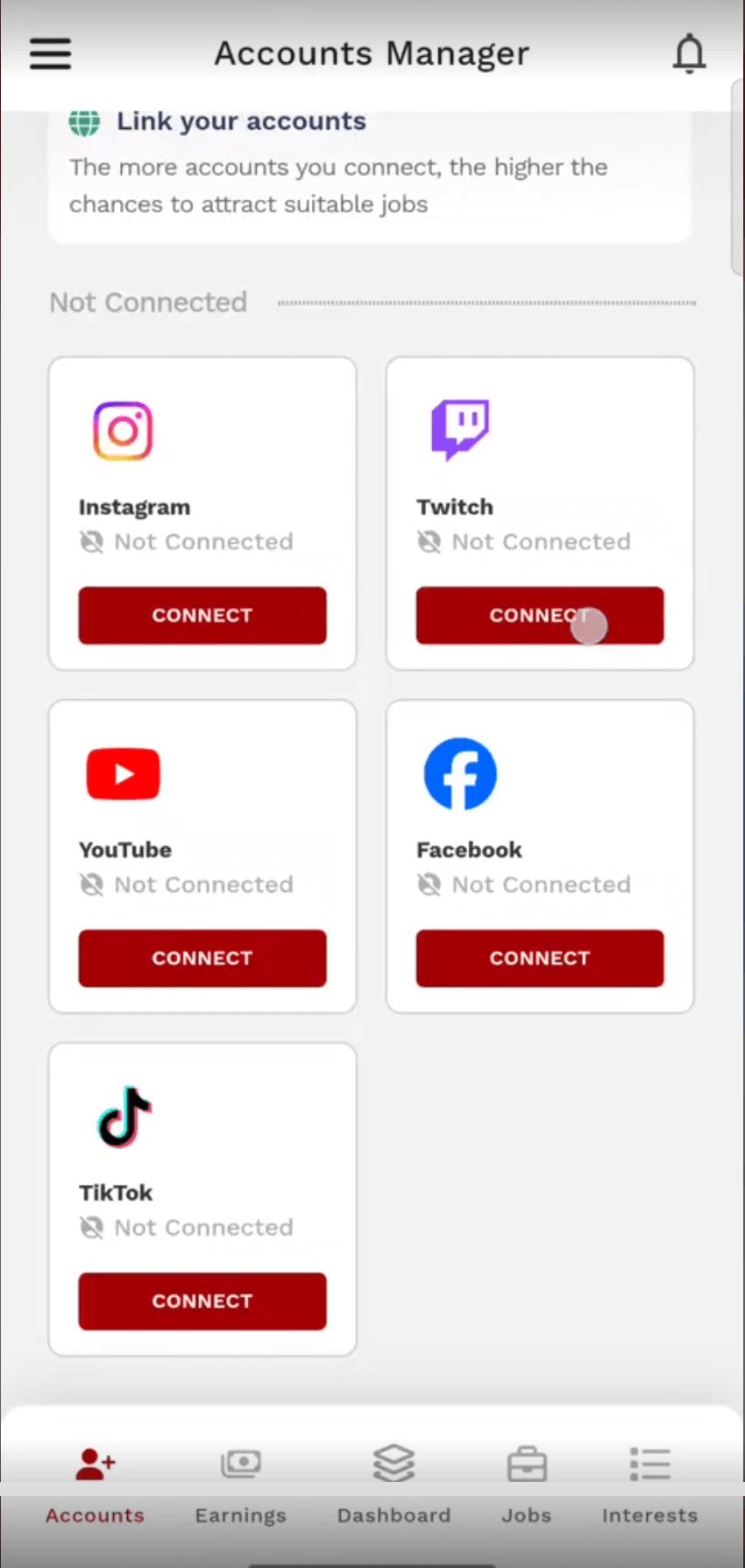
- Go to the Accounts section, find the Twitch option, and tap Connect.
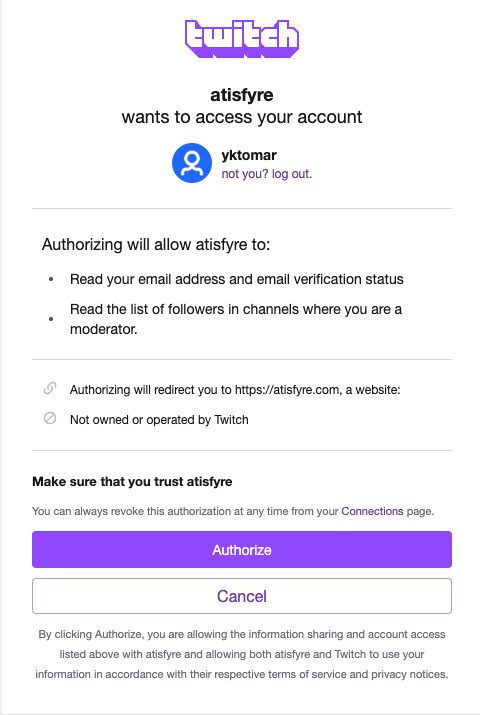
- Tap Authorize to connect your Twitch account with Atisfyre.
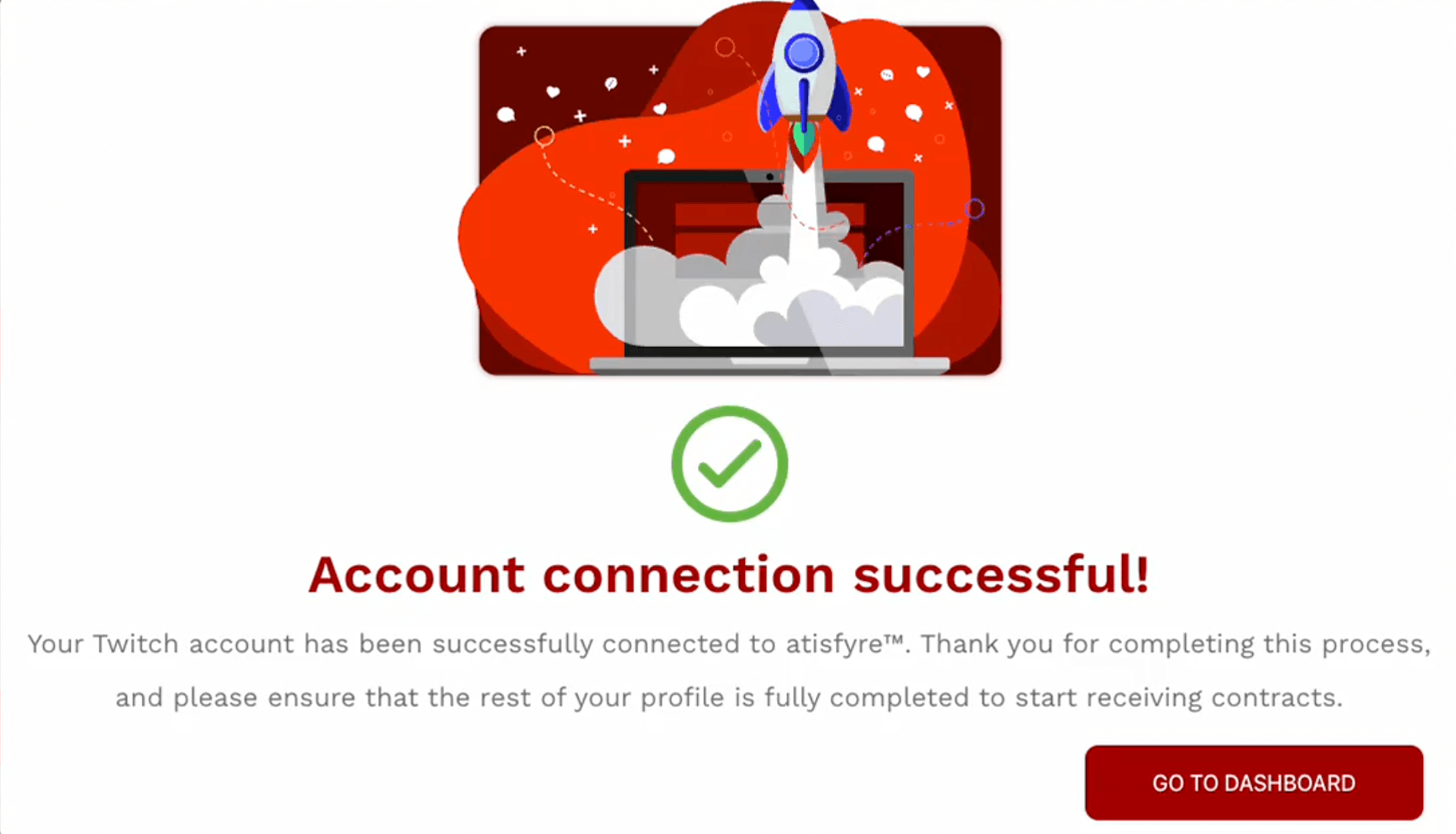
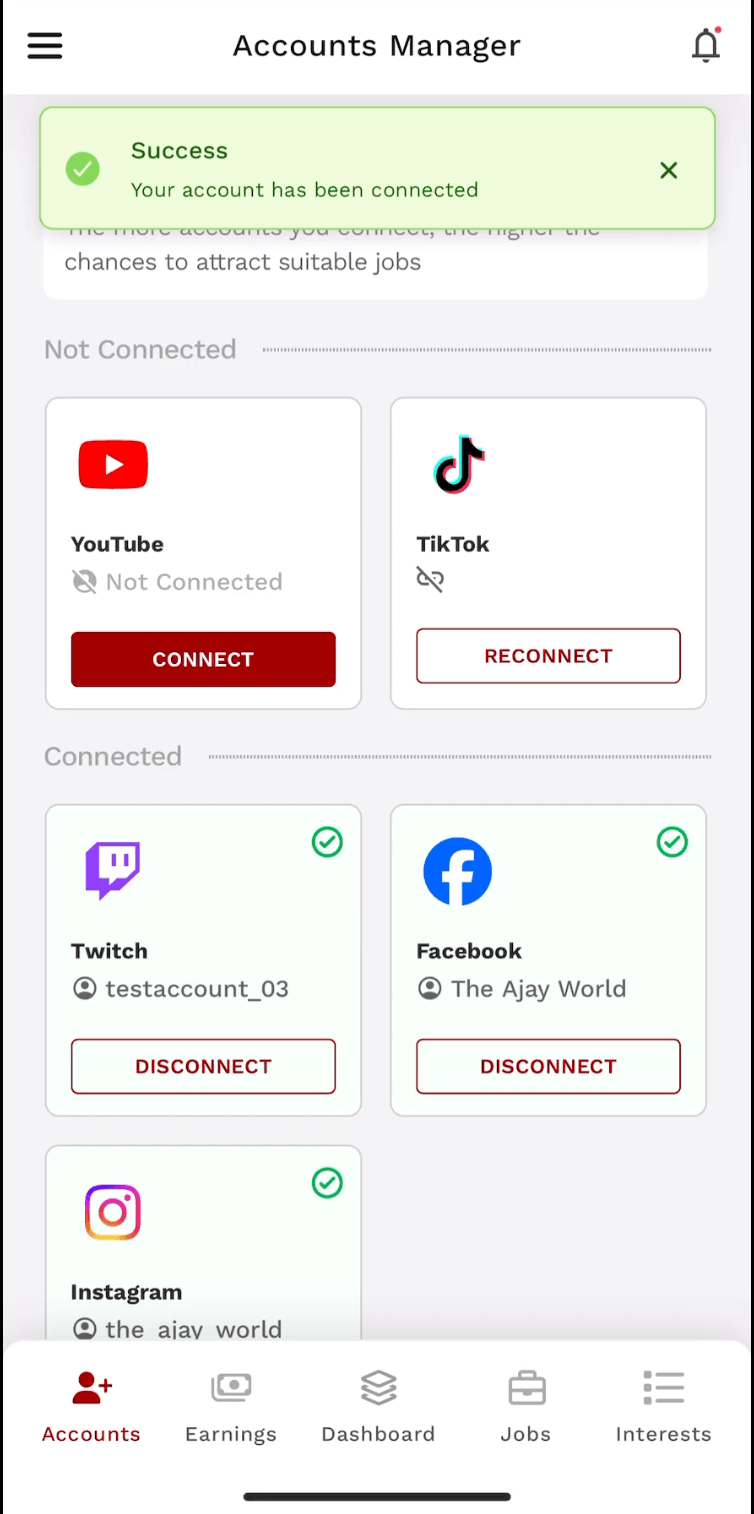
- That’s it. Your account is now successfully connected.
Web app
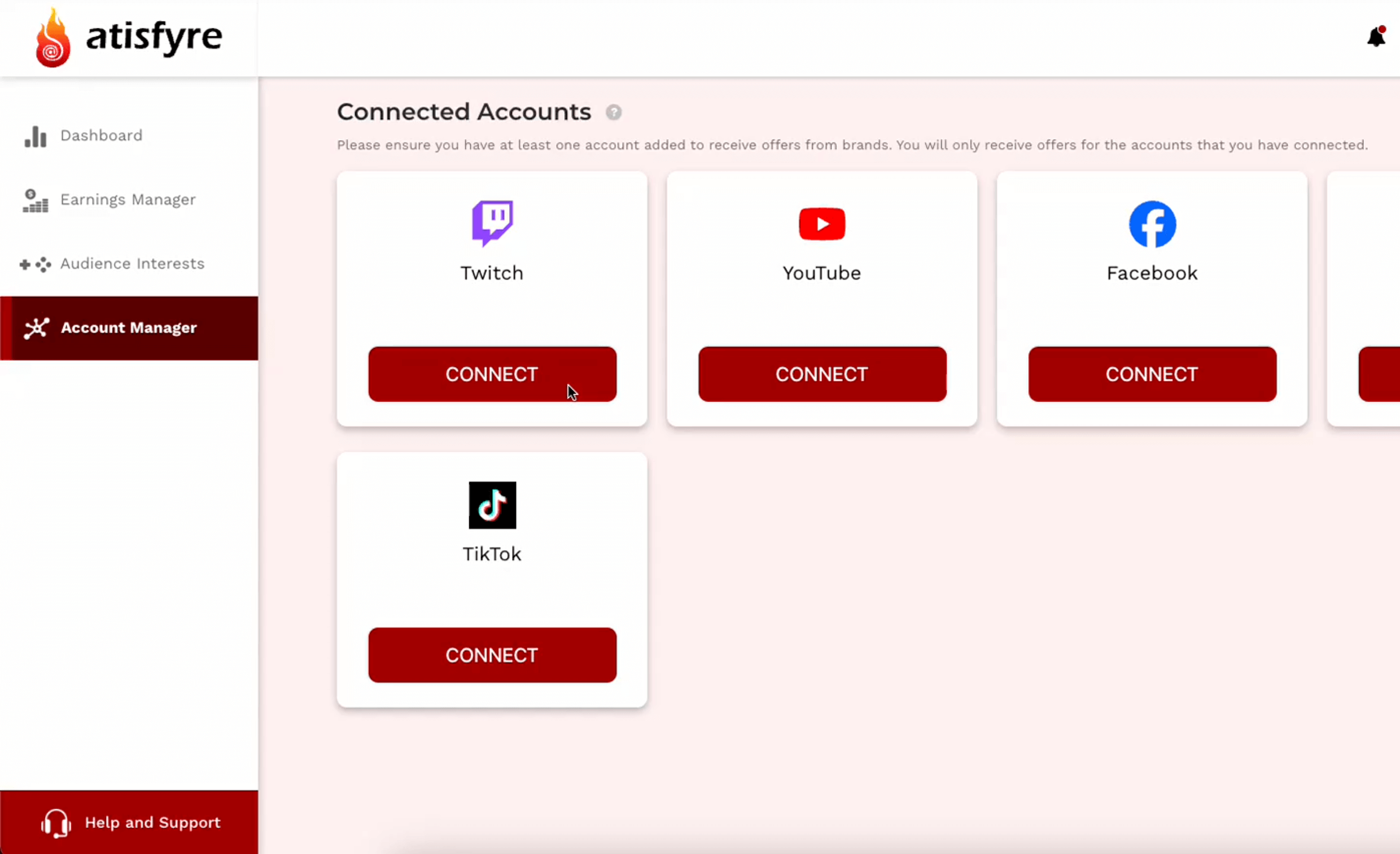
- Go to the Account manager section from the side panel, find the Twitch option, and tap Connect.
- Tap Authorize to connect your Twitch account with Atisfyre.
- That’s it. Your account is now successfully connected.