Before connecting your Instagram account to your Facebook page ensure you have an Instagram Business or Instagram Creator account.
To connect your Instagram account to your Facebook page follow these below steps
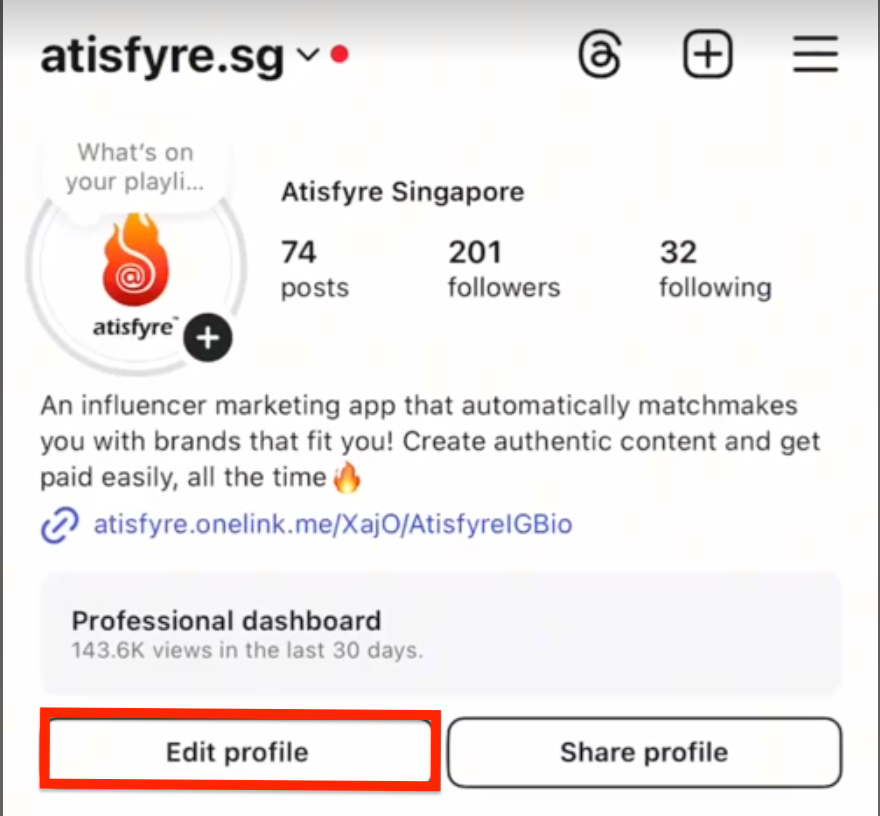
- Go to your Instagram profile.
- Select Edit profile.
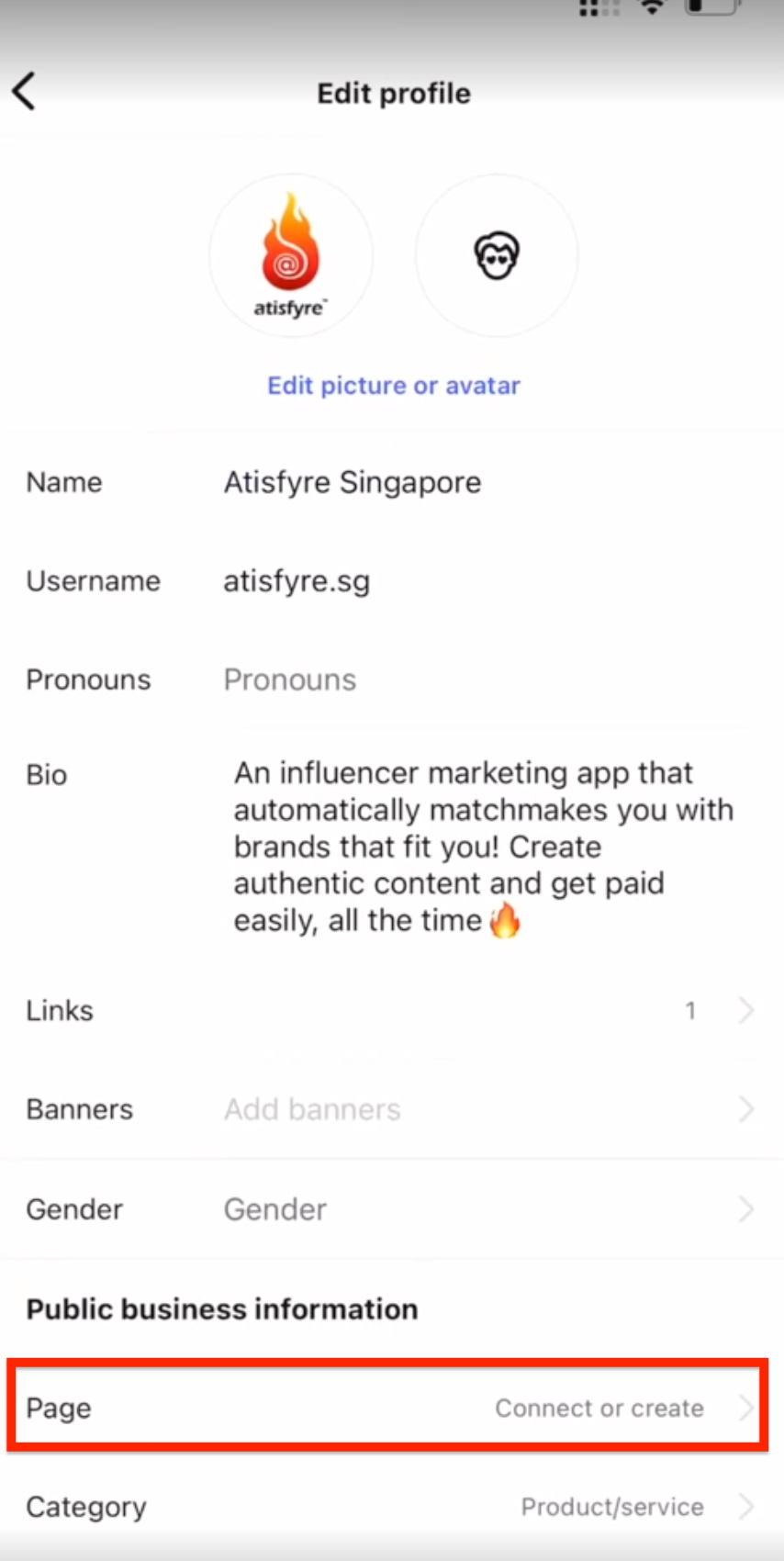
- Below Public business information, select Page.
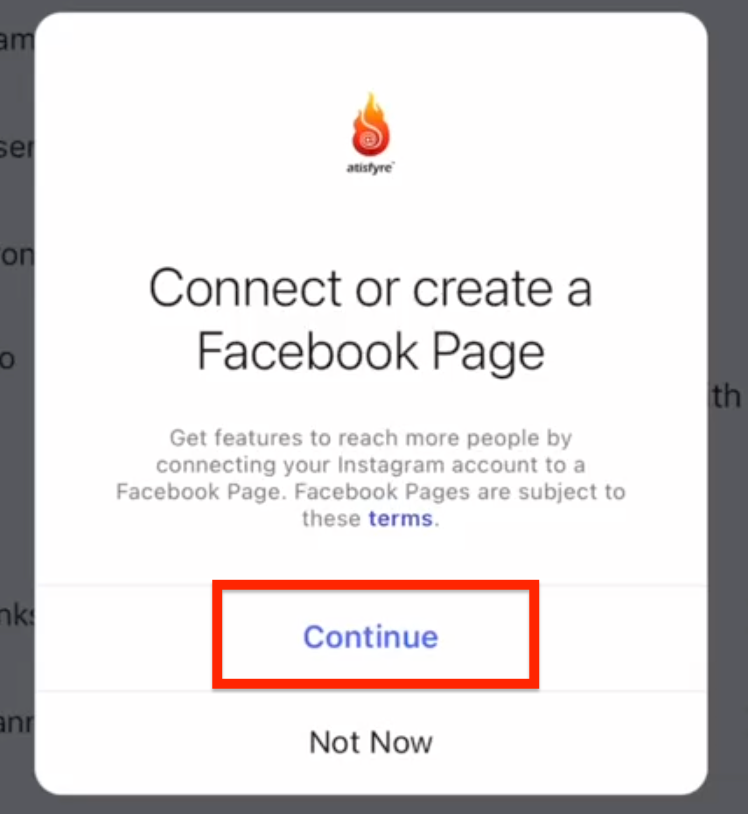
- Tap Continue on the popup.
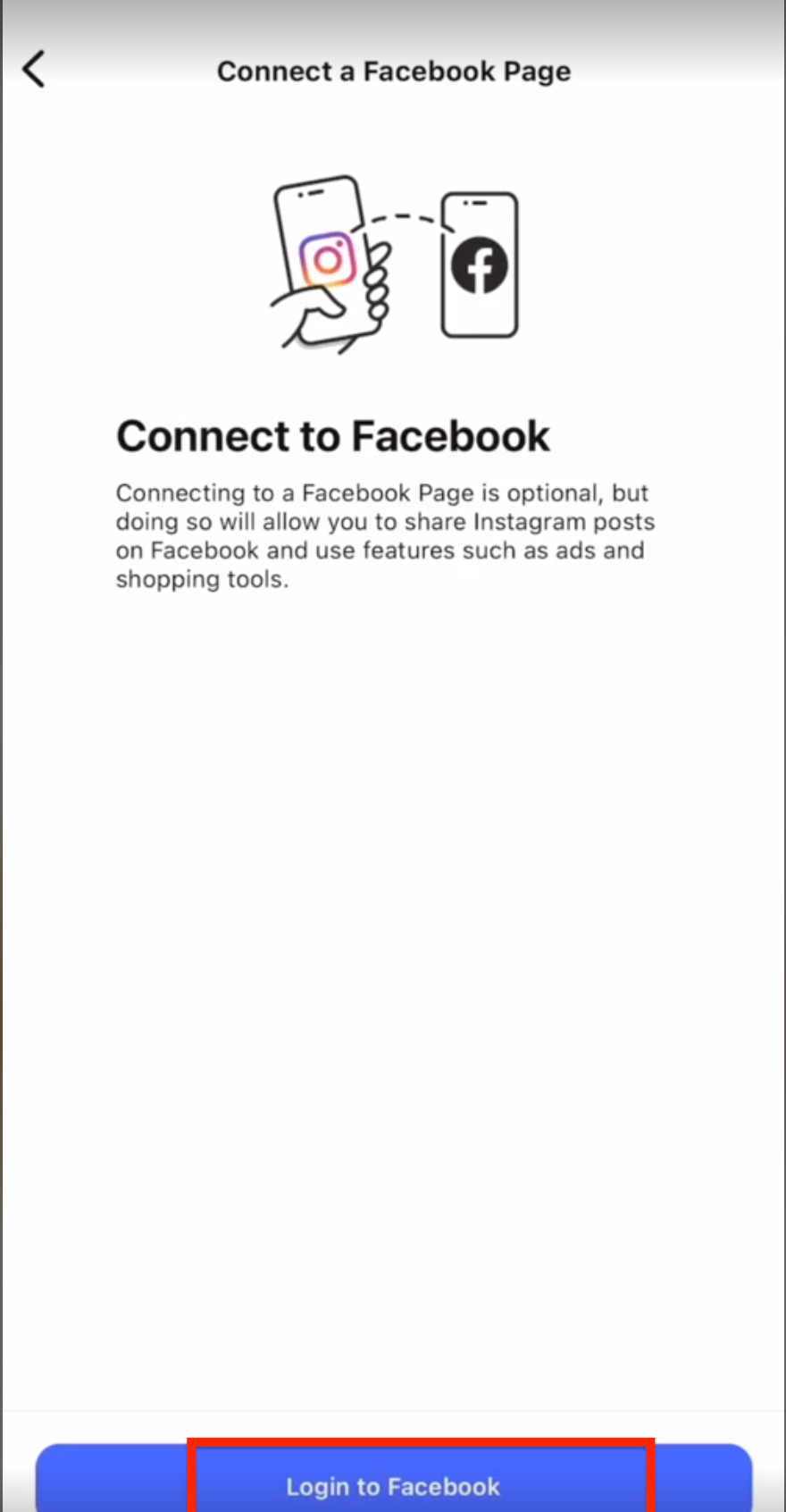
- Tap Log in to Facebook.
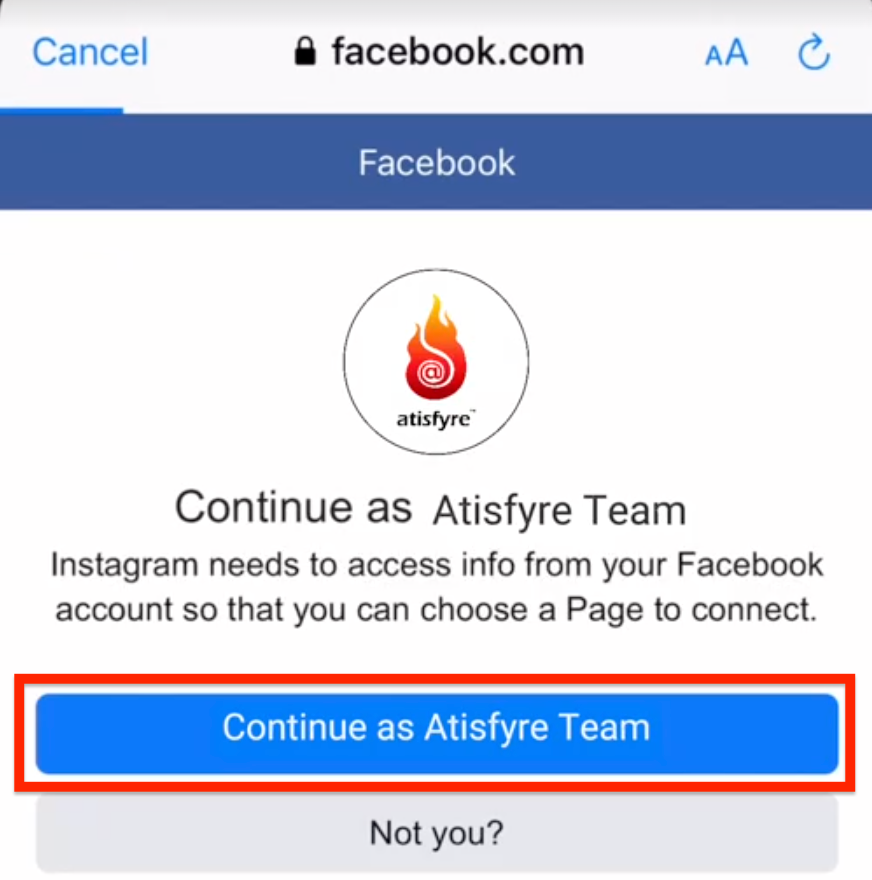
- Tap on Continue as .
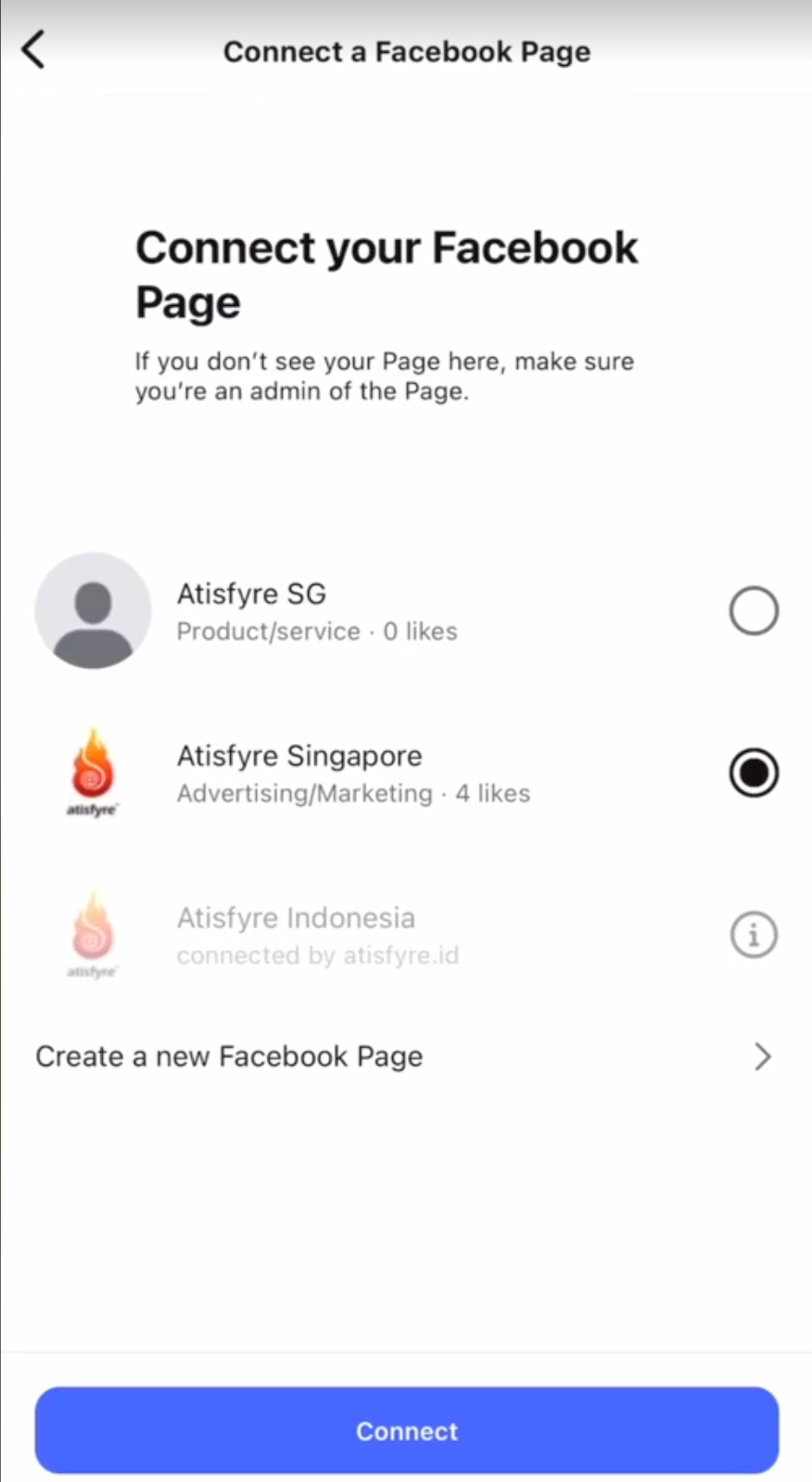
- Tap Connect after you've selected a Page. If you don’t have an existing Facebook page tap Create a new Facebook page.
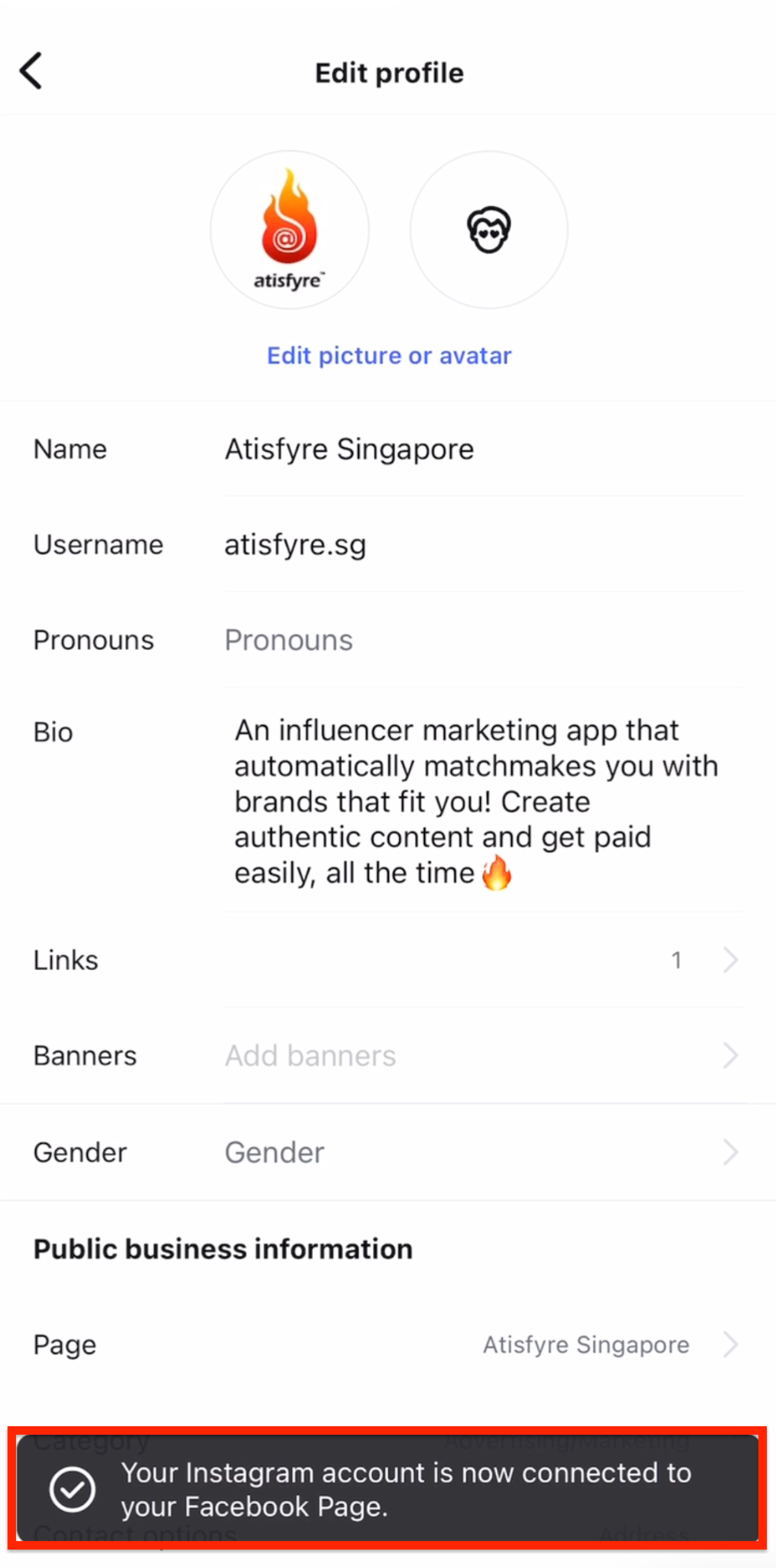
- Your Instagram account is now connected to your Facebook page.