
A YouTube channel linked to your account lets you upload videos and shorts, create playlists, and interact with your audience through comments and community posts. It also gives you tools to manage and grow your content, track performance, and connect with viewers.
To link your YouTube account with Atisfyre, you must own or manage at least one channel. If you don’t have a channel, you’ll see an error message when trying to connect with Atisfyre. Atisfyre needs read access to your channel’s data to match you with suitable brands and provide insights.
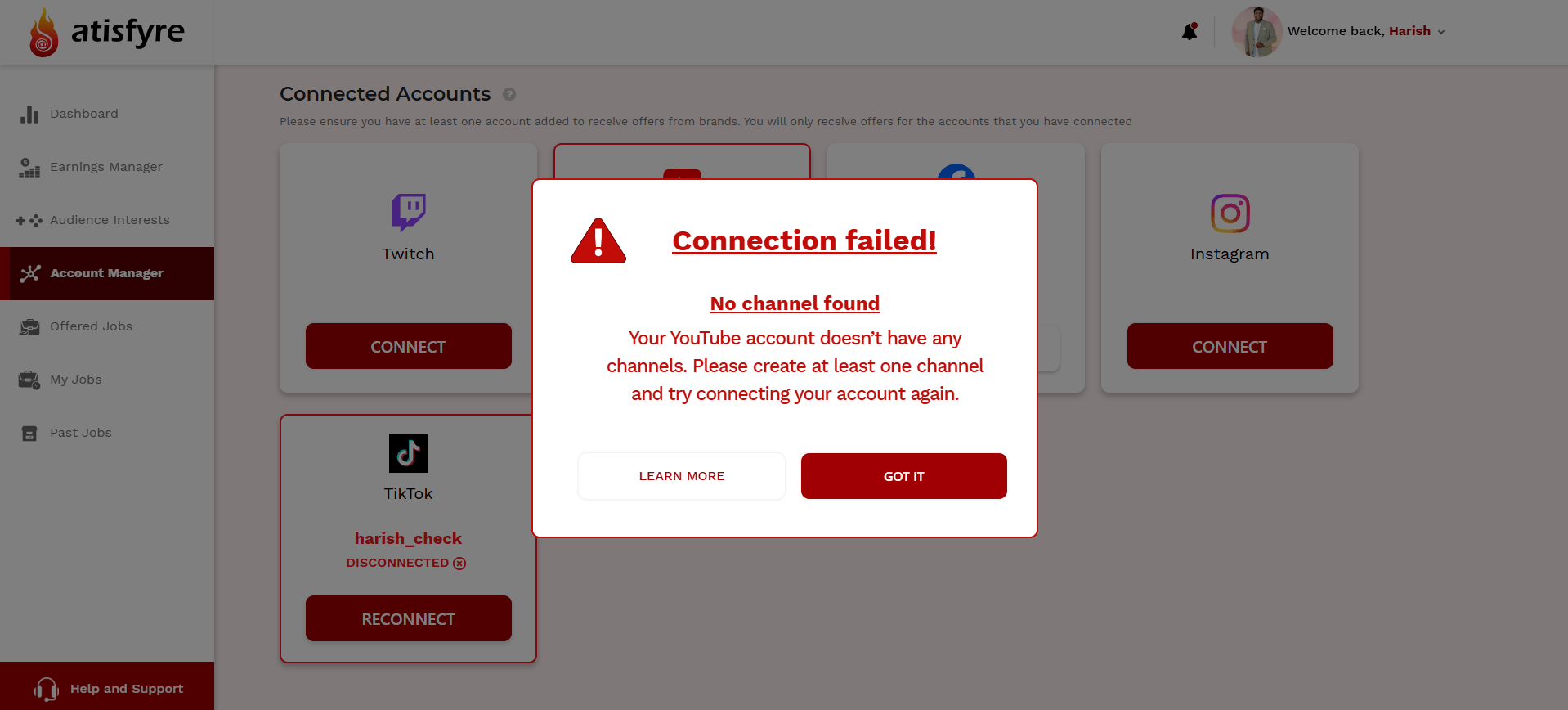
A step-by-step guide to creating a YouTube channel
- Log in to your YouTube account using your Google account credentials
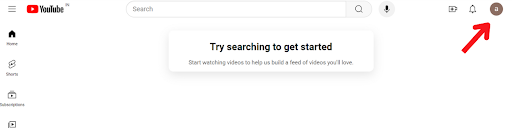
- Go to your profile icon located in the top right corner of the YouTube page
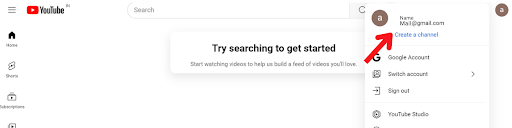
- Select 'Create a channel' from the dropdown menu
- Input the channel name and YouTube handle then click 'Create channel'
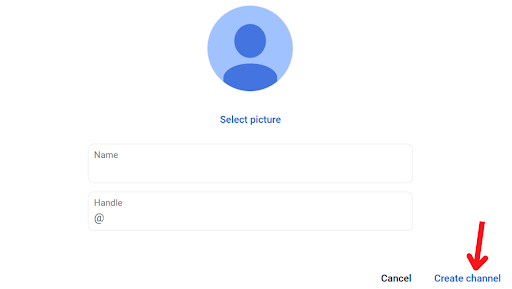
By following the steps, your channel will be created and ready to connect with Atisfyre. If you run into any issues, feel free to contact us.